Fast & Free Image Compress and Image Converter
Easily convert your images between popular formats such as JPEG, PNG, GIF, BMP, WebP, and PDF. Simple, fast, and secure - all in your browser.

YOUR AD GOES HERE
Drag & Drop up to 10 File(s) Here
ORMax size is 10 MB
The file will be deleted after 1 hour(s).
Convert to
Common Converters
JPEG to PNG
Converting JPG to PNG gives you a file with a transparent background. You can primarily use PNG files for graphics, web design, and other creative projects.
404JPEG to WEBP
Convert JPEG to WEBP format online for free using ImageCompres.com's JPEG to WEBP converter; reduce image size, boost website speed, and maintain excellent image quality.
405JPEG to BMP
JPEG to BMP Converter is a free online tool that quickly converts JPEG images to BMP format while maintaining image quality. You can easily convert your image from JPEG to BMP.
379PNG to JPEG
The PNG to JPEG converter helps you convert PNG images into the widely supported JPEG format with just a few clicks.
409PNG to WEBP
The PNG to WEBP Converter is a fast and easy online tool that allows you to convert PNG images to the WEBP format without installing any software.
378PNG to BMP
The PNG to BMP converter is a simple and reliable online tool that allows you to convert PNG to BMP format in just one click.
386WEBP to JPEG
The WEBP to JPEG Converter is a fast and easy-to-use online tool that helps you convert WEBP images into the widely supported JPEG format.
353WEBP to PNG
The WEBP to PNG Converter on ImageCompres.com is a useful online tool that allows you to convert WEBP to PNG format in just a few seconds.
361WEBP to BMP
WEBP to BMP Converter is a simple and fast online tool that allows us to easily convert WEBP to BMP format in ImageCompres.com.
350BMP to JPEG
The BMP to JPEG Converter is a useful online tool from ImageCompres.com that converts BMP images to JPEG in a matter of moments.
323BMP to PNG
BMP to PNG Converter at imagecompres is a simple and reliable online tool that converts BMP to PNG format in seconds.
312BMP to WEBP
BMP to WEBP is a process through which images in BMP format can be converted to WEBP format. You can also convert your image from BMP to JPEG.
More Converters
DDS to APNG
DDS to APNG is a great way to convert DDS images to a web-friendly format. This not only improves file compatibility but also preserves image quality, making it easy to use across platforms.
280DDS to BMP
If you are looking for a reliable online tool, ImageCompres.com can quickly and easily convert DDS to BMP and various image formats, including TIFF.
311AVIF to AI
AVIF to AI converter is especially beneficial for users who are involved in professional designing or printing. If you want to convert an AVIF file quickly and easily, ImageCompres.com is a great website.
280GIF to DIB
GIF to DIB converter
318GIF to WEBP
GIF to WEBP is a conversion process in which a GIF file is converted to the WEBP format. The GIF format is mostly used for animated images, but its file size can be relatively large.
283ICO to PNG
If you want to convert ICO to PNG file quickly, ImageCompres.com is a great choice. Here you can upload an ICO file and convert it to PNG format in a few easy steps.
296HEIC to JP2
HEIC to JP2 converter
302TGA to TIFF
TGA to TIFF converter
261TIFF to WEBP
TIFF to WEBP converter
306JPEG to PDF
JPEG to PDF converter
307PDF to PNG
PDF to PNG converter
292PDF to JPEG
PDF to JPEG converter
287SVG to DIB
SVG to DIB converter
284SVG to PNG
SVG to PNG converter
260SVG to JPEG
SVG to JPEG converter
Why use our converters?
What makes us different from every other tools?
Browsers Compatible
Compatible with all modern browsers: Chrome, Firefox, Edge, Safari.
Easy To Use
Simply upload an image and click the convert button.
Privacy Guaranteed
Our server uses secure 256-bit SSL encryption and runs behind a firewall.
Free for Anyone
Our service is completely free, you don't have to pay anything to use our service.
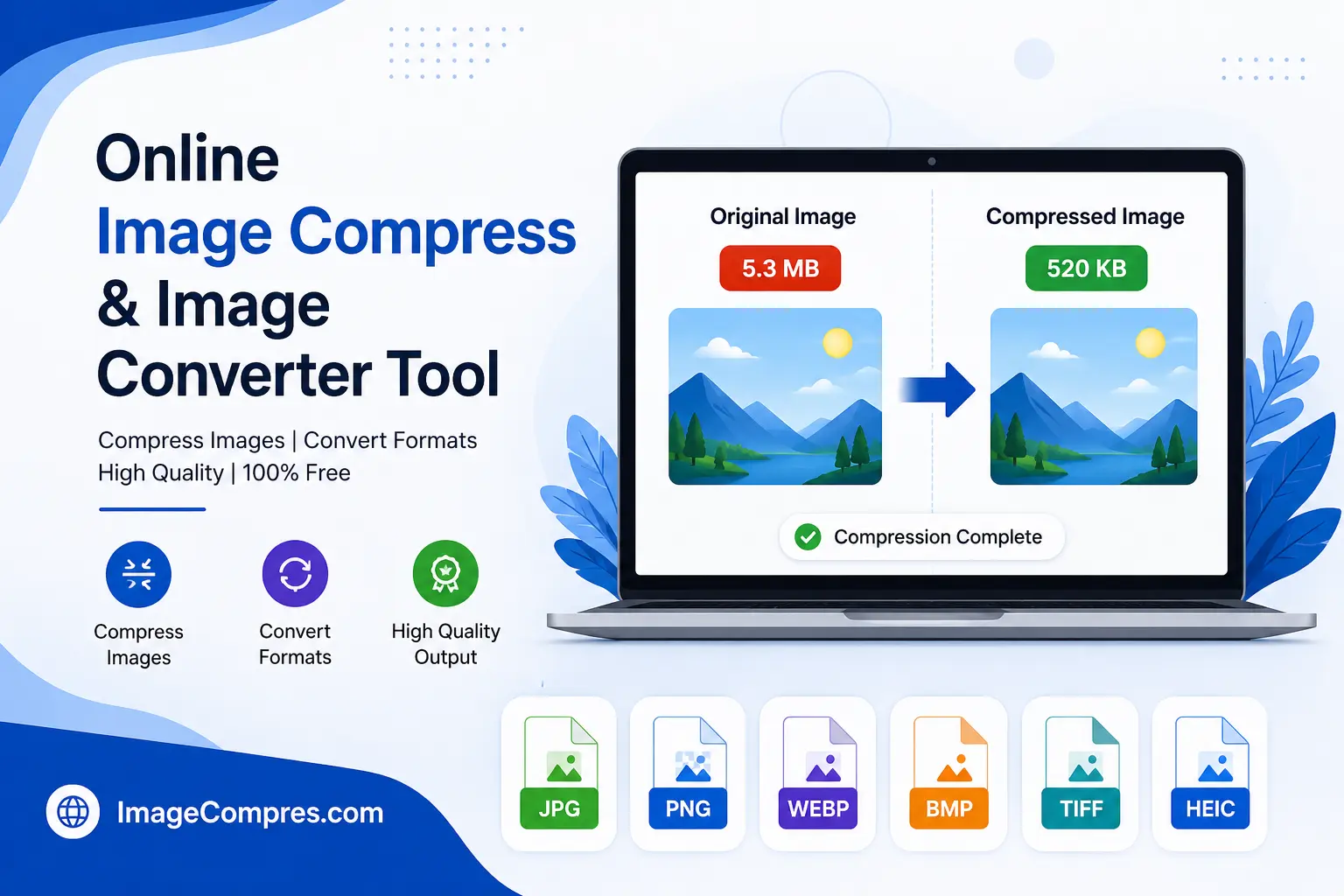
Online Image Compress and Image Converter Tool
Using pictures on websites is a trend these days, and with pictures, a website becomes a good type of excellent. With the help of pictures, you can make your website attractive and informative, so that people can understand from the picture itself what your website is about. Of course, you are running any kind of website, such as a blog, store, online store, or any other business website. Good-quality pictures help in getting the attention of the people who see them.
This is one such place where you need an image compression solution and an image converter tool a lot. These two tools reduce picture size and help you a lot in formatting the image at a high quality. You can reduce and increase the size of any type of picture with their help and make the picture perfect.
We will guide you in simple words so that you can understand what an image compressor is used for, why an image converter is important, and how to use both of them to improve your website with different image extensions.
What Is Image Compress?
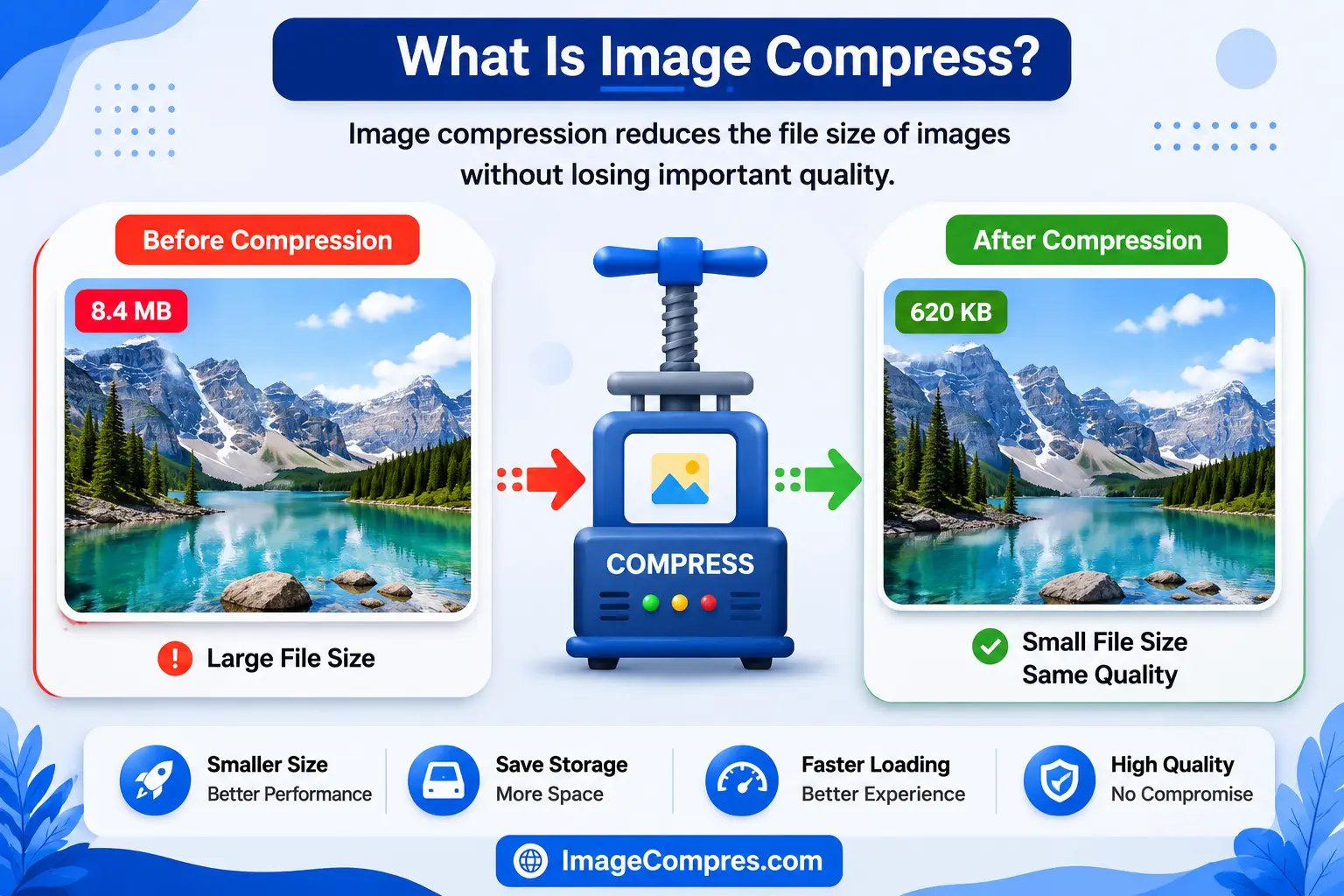
Image Compression refers to reducing the file size of images. Its main purpose is to enable images to load faster and use less storage space. Compressed images provide a smoother experience than uploading large images to a website. If you also want to compress images, open any file and go to the Photo Compressor tool and compress your images.
Types of Image Compression
There are two primary types of image compression.

Image Compression Without Quality Loss
This type of image compression allows you to reduce picture size without removing any image data, and it also preserves the pixel density.
Image Compress That Reduces File Size More Aggressively
This type of image compress removes unnecessary image data that the human eye cannot perceive. It also reduces file size and is commonly used for web images.
Why Image Compress Matters
Compressing images offers several important benefits.
Fast Website Loading
A major reason why websites load slowly is because of large images. And with the help of image compression, many large images can be converted into smaller images because small images load faster.
Reduced Storage Usage
When large images are compressed, the compressed images require much less space, making them easier to manage.
Improved User Experience
Tourists prefer websites that load quickly. Compressed images reduce waiting times and encourage users to stay longer.
Faster Sharing of Small Files
By compressing images, you can upload, download, and share smaller files much faster through email and messaging apps.
What Is an Image Converter Tool?
With the help of the HD image converter tool, you can convert any image format to another and also fulfill the requirements of different image formats, so it helps you a lot in converting images and improving the size of the file or quality. Apart from this, the HD image converter tool also helps you crop your pictures, and you can convert unlimited pictures. Open any of your files and go to ImageCompres.com to convert your image to JPEG or PNG and get it in the best quality.
You might also convert WEBP to BMP

For example, what can you change?
- JPEG to PNG: You can easily convert your file from JPEG to PNG using Image Compres.
- PNG to WEBP: Similarly, you can convert a PNG to WEBP using Image Compres.
- BMP to JPEG: You can also convert your file from BMP to JPEG using Image Compres.
- JPEG to TIFF: Image Compress is a tool that makes it very easy for you to convert JPEG to TIFF files.
- HEIC to PNG: With the help of the ImageCompres.com tool, we can easily convert HEIC to PNG files, and the tool provides high-quality images.
- JPEG to WEBP: Similarly, this tool allows you to convert your JPEG to WEBP files without the risk of pixelation or loss of quality.
This is a respectable tool that allows you to resize your pictures quickly and easily without the need for advanced editing software.
Why Use an Image Converter Tool?
Image conversion has become increasingly important as websites and modern browsers support a wide range of image formats.
Improve Compatibility
Many different applications only allow you to convert images to specific formats, meaning they support them and ensure that they work on different platforms.
Reduce Image Size
Yes, like WEBP and AVIF, they compete with many different older formats while maintaining image quality and significantly reducing file size. You don't have to make the file smaller or larger; they automatically make the file smaller.
How to improve website performance
Choose the best image format for good performance and speed up loading speed.
Simplify Editing
Different image editors work very well with PNG, while others prefer TIFF or JPEG, requiring conversion between formats to streamline workflow.
Best Practices for Image Optimization

Choose the Right Format
JPEG for images, PNG for graphics with transparency, WEBP for websites, and if maximum compression is required, use the AVIF file type.
Resize Images Before Uploading
For the blog's small thumbnail, set the image dimensions exactly to the required specifications.
Compress Images
Compressing small images is also beneficial because it greatly improves website performance.
Maintain Quality
Excessive compression results in many noticeable defects. A balanced level of compression provides the best results.
Use Modern Formats
Whenever possible, use WEBP or AVIF instead of traditional formats.
Common Mistakes to Avoid
Many different people unintentionally reduce image quality or greatly harm website performance.
These things are among the common mistakes:
- Uploading an uncompressed image
- Selecting the image in the wrong way and with the wrong format
- Compressing images multiple times
- Adding a large image
- Ignoring mobile performance
- Saving graphics as JPEG instead of PNG
If you want to avoid these mistakes, speed up your website and improve image quality in a good way.
Who Should Use Image Compress Tools?
Image compression is a tool that benefits everyone.
For Bloggers

Articles that load faster greatly improve user engagement and visibility.
For Business Owners

Optimized product images help online stores load quickly while showcasing products clearly.
For Graphic Designers

Compressed files can be easily shared with clients to advertise your project without sacrificing quality.
For Social Media Managers

Compressed images upload very quickly and can be used with very little storage on the platform.
Tips for Choosing the Best Image Converter Tool
Not all tools offer the same features. Look for one that includes:
- Fast processing: You can convert images very quickly on Imagecompres.com.
- Multiple Supported Formats: This website supports many formats such as JPEG, WEBP, PNG, BMP, and AVIF.
- High-Quality Output: This platform converts images and provides them in high quality.
- Easy-to-use Interface: The interface of this website is very simple, due to which every user can compress and convert images with ease.
A good online converter should allow you to convert and optimize images in just a few clicks.
Conclusion
If you want to convert and compress images, ImageCompres.com can be a great choice for you. It is a very easy-to-use platform where you can convert your large files into smaller files, convert your images from PNG to WEBP, and upload them to your website. ImageCompress also allows you to convert and compress images very quickly, and you can convert and compress your images in a very short time. ImageCompress is designed for those who want to compress and convert their images in a very short time, so you too can visit ImageCompress.com now and convert and compress your images in a very short time.
Frequently Asked Questions
Have a question? Find the answer here
What is ImageCompres.com?
ImageCompres.com is such a platform with the help of which you can convert your images.
How does ImageCompres.com work?
You are provided with the option of a browser file, on which you have to click and provide your file, and it will convert the image and give it to you easily.
Is ImageCompress easy to use?
Yes, of course, it is very easy to use and allows you to convert pictures with ease.
Which image format is best for websites?
WebP is the best choice because it maintains image quality well and delivers a smaller file size.
How many types are there in ImageCompres.com?
You are given many types, like PNG, PSD, JPEG, WEBP, EPS, and many more, like this, which are provided to you.
Is Image Compress a Necessary Tool for SEO?
Yes, of course, this tool is very useful for SEO. By using this tool, you can convert many pictures for SEO.